
If you are changing your password on your profile, your new password will need to be at least 8 characters long.
If the password is too short, the below error message will appear:
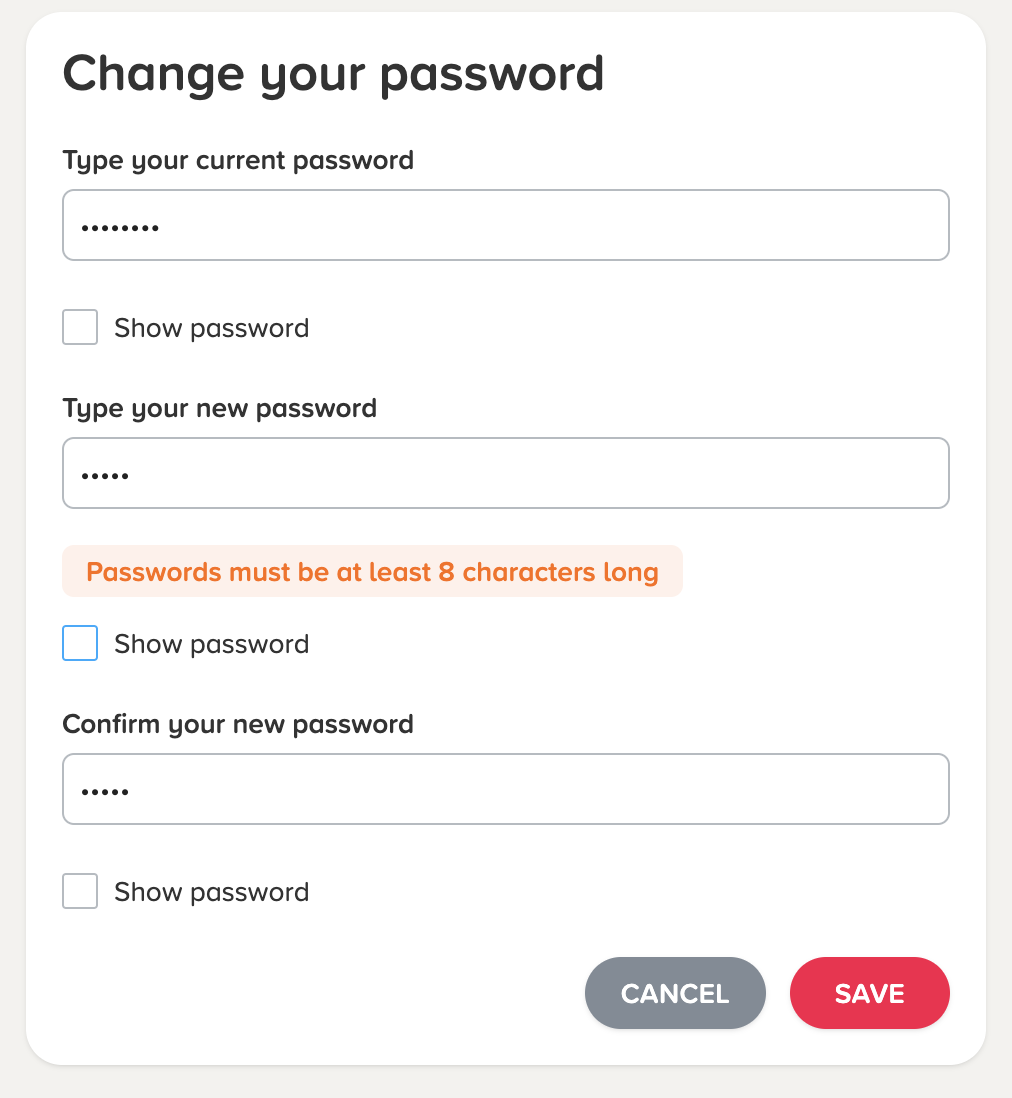
Please click here to find out how to change your password.
If you are a teacher changing a password for a student who is unable to log on, the below error message will appear if the password is less than 8 characters:
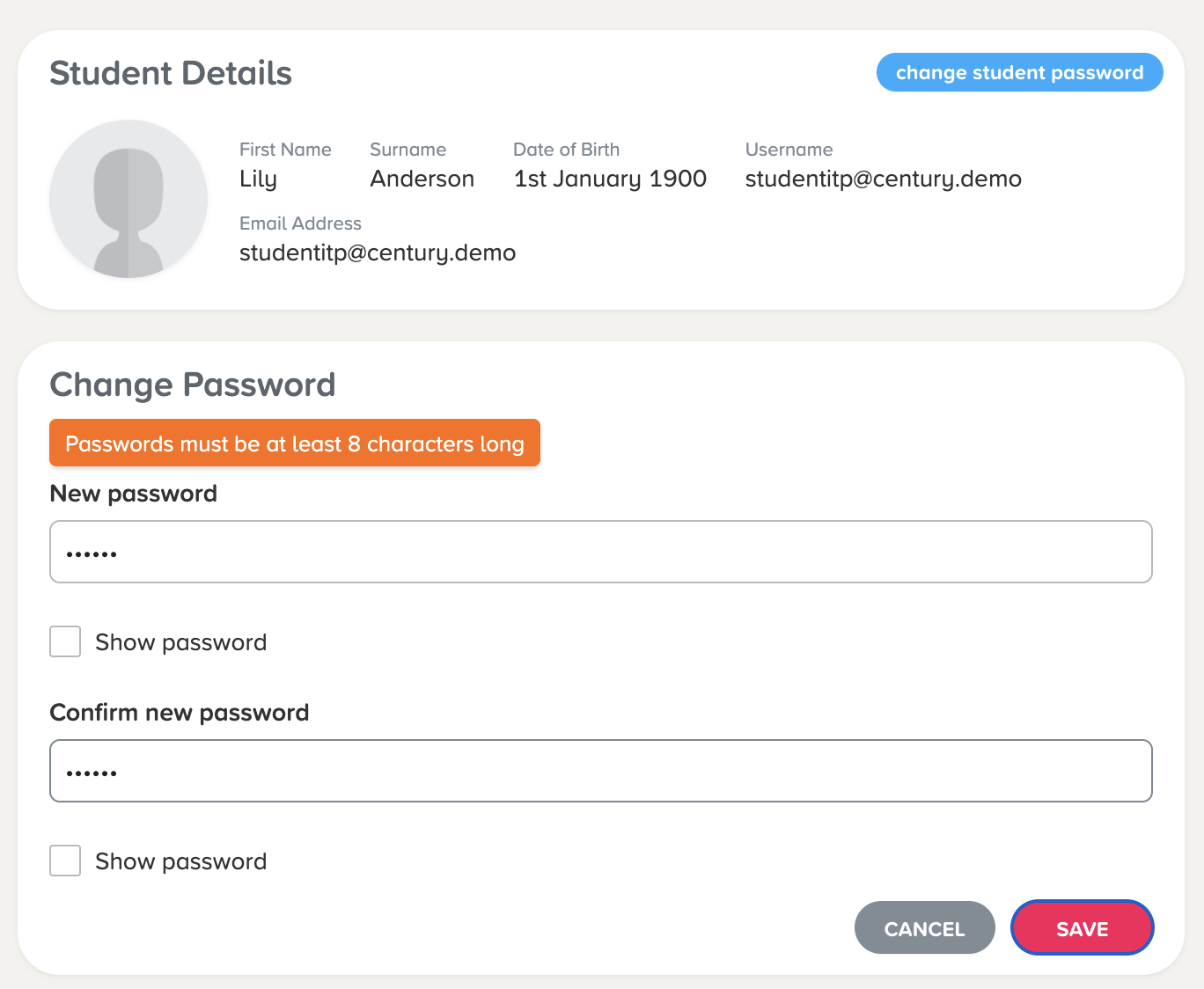
Please click here to find out how to change a student's password.
If you enter an invalid username or password 10 times in the space of 5 minutes, your account will be locked and the below error message will appear:

You will need to wait 5 minutes before you can enter your password again, or you can reset your password following these steps .
Once your password has been updated, you will be able to log in with your new password.
If a student is locked out, their teacher can reset their password following these steps , and the student will be able to log back on immediately with their new password.