
You can access reports after one student has completed the assessment by clicking the download reports button. Please be aware that after downloading a report during an open assessment window you will be unable to download an updated report for 30 minutes.

There are four different reports you can download:
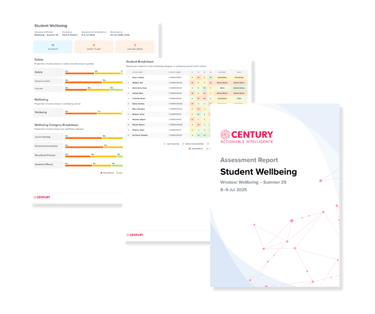
- Overall assessment report (PDF)
- Student safety flags (CSV) - if the student has answered 'almost never' or 'sometimes' to either safety question
- Low wellbeing flags (CSV) - if the student has an overall Student Wellbeing (SW) score of 23 or below (overall wellbeing score falls in the category of ‘almost never’)
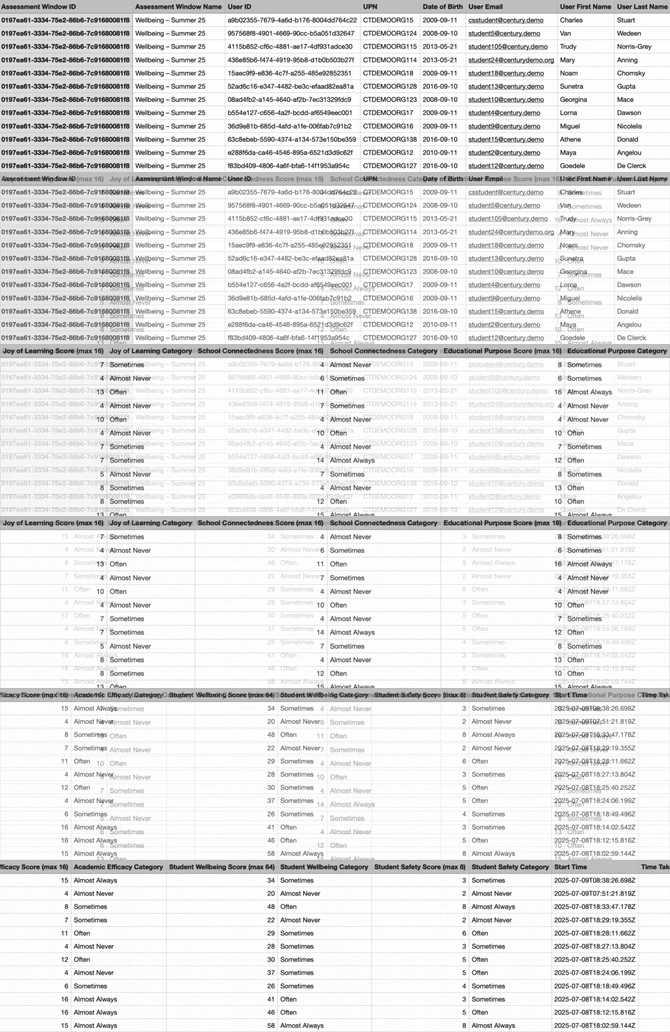
- Summary data (CSV) - all student scores and categories as shown in the image below
You can read in more detail about how results are scored and how to interpret them below: